Introducing
Motion, the General Video Agent
The SOTA video agent for video editing, motion design, and video understanding.
Today, we're introducing Motion, our general video agent with frontier capabilities in video editing, creation, and understanding. It can work with footage you already have or generate new material for the film. Ask it to cut a multicamera podcast, make a launch video, or animate a logo. It handles the cuts, motion design, color grading, and audio sync.
Give it a brief, your brand assets, or a video you want it to take inspiration from. Motion studies the reference’s pacing, typography, and transitions, plans the shots, and checks the cut before you see it. It can find the strongest moments in a podcast and reframe them around the speaker, or turn an essay into a narrated film.
You can keep working on everything it makes. Ask for a change, draw on the video to show what you mean, or adjust text and elements directly in the preview. You can also edit in the timeline, or take the project into Premiere Pro, After Effects, or DaVinci Resolve and finish it there.
Motion connects to the places you already work. Bring in footage from Google Drive or Frame.io, and give it context from Notion or Slack. Run it on a schedule or when a new YouTube video lands, then publish through your connected social accounts. The API and MCP server let you call Motion from your own tools, or from agents like Claude and Codex.
The framework doesn’t matter
There are a lot of ways to make a video with code. React with Remotion. HTML with Hyperframes. Plain Python. C++. Even old, odd languages like Forth. And our own, Motion.
{QUOTE.map((w, i) => {
  const a = sec(w.start) - 2;
  const t = prog(f, a, a + 6);
  const text = w.text.replace(/"/g, '');
  const isAI = text === 'AI';
  return (
    <span
      key={i}
      style={{
        display: 'inline-block', opacity: t, marginRight: i < QUOTE.length - 1 ? '0.26em' : 0,
        transform: `translateY(${(1 - t) * 26}px)`, filter: `blur(${(1 - t) * 6}px)`,
The people who build these tools say the language decides how good the film is. Models have read more HTML than anything else, so they should make their best films in HTML.
“When an LLM writes Hyperframes, it’s writing the medium it was trained on most heavily.”
Our hunch
We think that’s wrong. A model doesn’t think in code. When it plans a film, it plans the idea first: the shots, the timing, the story. That happens somewhere inside the model, in a space researchers call latent space. Think of it as the model’s imagination. The idea lives there, and code is just how it gets written out.
So here’s what we expected. If the model knows the language well, the film comes out the same, whatever the language. If it barely knows the language, the idea is still there, but writing it out gets harder. More mistakes, more money, maybe no film at all.
The test
We had to know for sure. At Motion we want you to get the best film for the least money. If one framework really made better films, we’d switch. So we tested them all, ours too.
Same model, same footage, same brief, seven languages. Five familiar ones: React, HTML, Python, C++ and Motion. And two the model barely knows: Forth, from 1970, and Uiua, from 2023.
Remotion
React and TypeScriptWhat happened
The familiar ones made the same film. We showed them to a group of human testers, one at a time, and they all said the same thing: they look the same. With a reference to copy or without one, it didn’t matter.
The numbers agree. Put every film on a chart and the familiar languages land in one tight circle. Not identical, a bit up here, a bit down there. But the same spot.
Swipe to explore the chart →
For scale, the raw clip with no edit at all scores 28 with the same judge.
Every dot is one film. Click one to watch it. Quality is a blind score from a second AI model; people were the real judge.
The unfamiliar ones went just how we expected. Forth still made the same film, name tags, Cybertruck and all, but it cost over three times as much and ran past our time limit. Uiua ran out of time before its film rendered; rendered afterwards from the same code, it’s the same film too. The idea made it through. Writing it down was the hard part.
And on cost, ours came out a little cheaper than the rest.
| Language | Average cost per film |
|---|---|
| Motion | $2.86 |
| Python | $3.12 |
| Hyperframes | $3.13 |
| Remotion | $3.30 |
| C++ | $3.70 |
| Uiua | $5.81 |
| Forth | $10.82 |
So the framework doesn’t matter, as long as the model knows the language. The idea lives in the model, not the code. Anthropic’s interpretability team found something like this inside Claude: an idea looks the same inside the model whether it comes out in English, French or Chinese.
One film, many workflows
If the language doesn’t change the film, pick the one that does the most after the film is made. Our representation of video is framework-agnostic: the film is independent of the tool used to edit or render it.
The same project can move into Premiere Pro, After Effects, or DaVinci Resolve, or into agent-native frameworks like Remotion and Hyperframes. You can choose where to continue the work without starting the film again.

So if the language isn’t what makes a great film, what is? The harness. Everything around the model: the instructions it starts with, the tools it can use, the way it checks its own work. That’s where the real difference is, and that’s what we measure next.
The harness
We spent a long time on Motion’s harness: everything around the model, from what it reads first to the tools it can use and the way it checks its own work. The goal is a film a designer would make, not AI slop.
Here’s the same Claude model and the same client brief, with and without it.
To improve Motion, we started with the films people actually ship, from launch videos to other professional productions, and worked backwards from that quality bar. This meant doing things that didn’t scale: we built an end-to-end production agency to make those films for real clients and learn what Motion needed to deliver them.
We built a production agency to improve Motion
Motion Studio is our end-to-end AI-native video agency, making launch videos and other premium films. So far, we’ve done this for 20+ Y Combinator companies.
Our starting point is the film a client wants to publish. We work backwards from its story, editing, graphics, and sound to understand what Motion needs to do. Real productions give us a concrete quality bar and show us which parts of the agent still need work.
We develop the concepts, arrange camera crews, and direct the shoots. Then we bring the footage into Motion to create the video end-to-end. Early versions needed close direction and manual adjustments. Our team would prompt Motion, review its output, and work through several iterations of the edit, graphics, and sound before sending a finished revision to the client. These were our internal rounds with the agent.
Those internal rounds showed us where Motion needed better tools, instructions, or ways to check its work. Improving the harness meant our team needed to intervene less. Work that once took us several rounds with Motion became possible in one shot. Many films can now be one-shot from a single prompt through Motion. The examples below show what’s possible.
Nyx
Foremark Legal
Ornadyne
Klaimee
Matforge
Billow AI
Zomma Labs
Holtium
Paces
Candlefish
Source material
Finished film

Our agency handles the whole job, from the concept and camera crew to post-production and final revisions. Working with Motion lets us deliver at a fraction of a traditional agency’s cost and turnaround time, while our team remains responsible for the creative direction and the final delivery.
If you’re making a launch video, a product film, or another high-stakes piece, we’d like to help. Bring us the idea and we’ll work with you through the finished film.
The future is video agents
Motion runs in the cloud. You can create several videos in parallel, schedule new work, and connect it to the places those videos get used. A production can keep moving without someone keeping an editing application open on their computer.
People already use Motion to create and publish videos that grow their social channels. Ad teams can generate creative variants for A/B tests and, when campaign results are fed back to Motion, have it produce the next round automatically. Creation, publishing, and learning from the results can become a continuous workflow. You choose whether publishing runs automatically or waits for your approval.
We believe that as the iteration needed to create video collapses, it will accelerate work across news, advertising, social media, e-commerce, education, corporate training, entertainment, and more. A newsroom can cover more stories, a retailer can make videos for more products, and a small team can keep a channel active. These are workflows where production time and cost often limit what gets made.
Video agents need infrastructure built for video. We’re building the systems that let Motion handle footage and run many productions in parallel in the cloud. That foundation lets teams scale their video workflows without having to build and operate the infrastructure themselves.
Our North Star is one-shot video agents that create videos people want. As models improve, we’ll keep building the tools and infrastructure that let Motion reach that standard across more kinds of work.
Many kinds of films. One agent.
Launch a product. Explain an idea. Turn a podcast into a clip. A few things made with Motion during the beta, each starting with a different idea.
Raw footage and a style reference.
can you make me an amazing talking head video of these 2 founders of this clip whereas the style should match the Typefast AI launch video 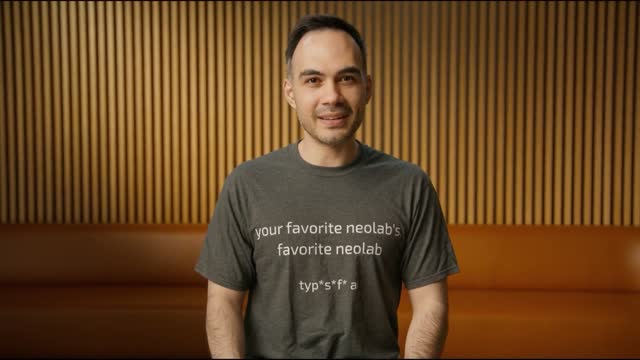 Typefast AI launch video
A product launch film.
make a launch film in the same style as MidCentury launch film but for Physical Intelligence
Motion design & animation.
Rework learning-to-see.md into a cinematic film under 50 seconds using the new Firecrawl Alexandria video 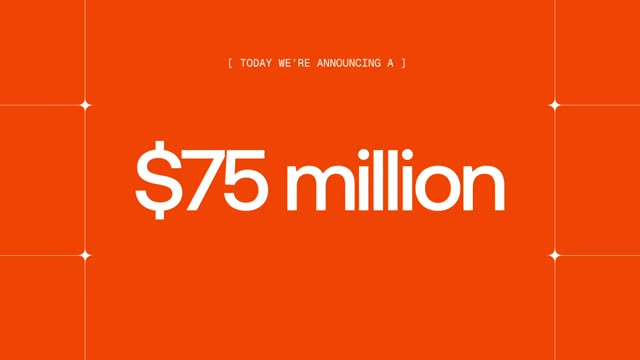 Meet Alexandria and our $75M Series B as the reference. Study and closely recreate its motion-graphics language: typography, camera moves, transitions, and tiny timing details. Rewrite the story freely to make it land. Add a compelling natural voiceover…
One podcast. Five clips.
make 5 clips from this podcast: 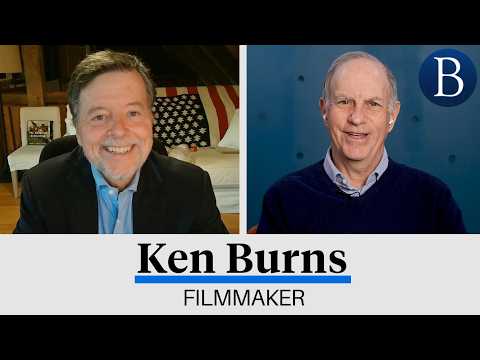 Ken Burns on the American Revolution | At Barron's
I want each of the clips 45 seconds, and contain key topics, talking points, and have strong hooks. Make them vertically formatted and focus on the active speaker or use stacked boxes for both speakers when relevant…
I want the clips to be in this style
Ken Burns on the American Revolution | At Barron's
I want each of the clips 45 seconds, and contain key topics, talking points, and have strong hooks. Make them vertically formatted and focus on the active speaker or use stacked boxes for both speakers when relevant…
I want the clips to be in this style 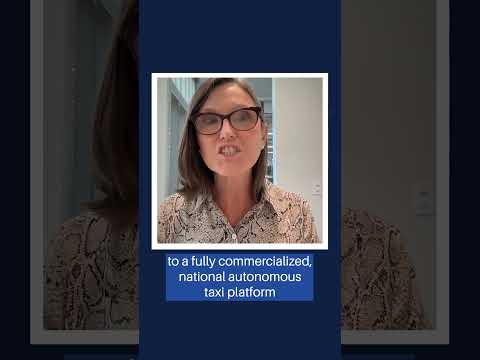 Cathie Wood on Tesla and AI | Barron's and use Barrons branding for the watermark (image.png) and captions + the outro at the end.
America's Global Revolution · 45s
Cinematic talking heads.
Create a single clip edited with a cinematic After Effects style to create a video in this style: Cinematic editing reference